Freely is the smart way to stream watch free TV, combining the best of live and on-demand content all in one place. While you may have seen or heard that it has some of the best technology around, what can you actually expect from your Freely TV or streaming device?
Check out our guide below explaining some of the features you'll be getting your hands on when you get Freely.
Browse and Search | My List | MiniGuide | Pause and Restart | Freely Button | Never Miss | Backwards EPG | Accessibility Features
Browse and search
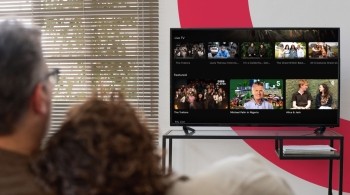
Not sure what you want to want to watch? Browse our recommended rails, editorially curated by the TV experts here at Freely. Or if you know what you’re looking for, find it quickly without the hassle of app hopping with our handy search tool.
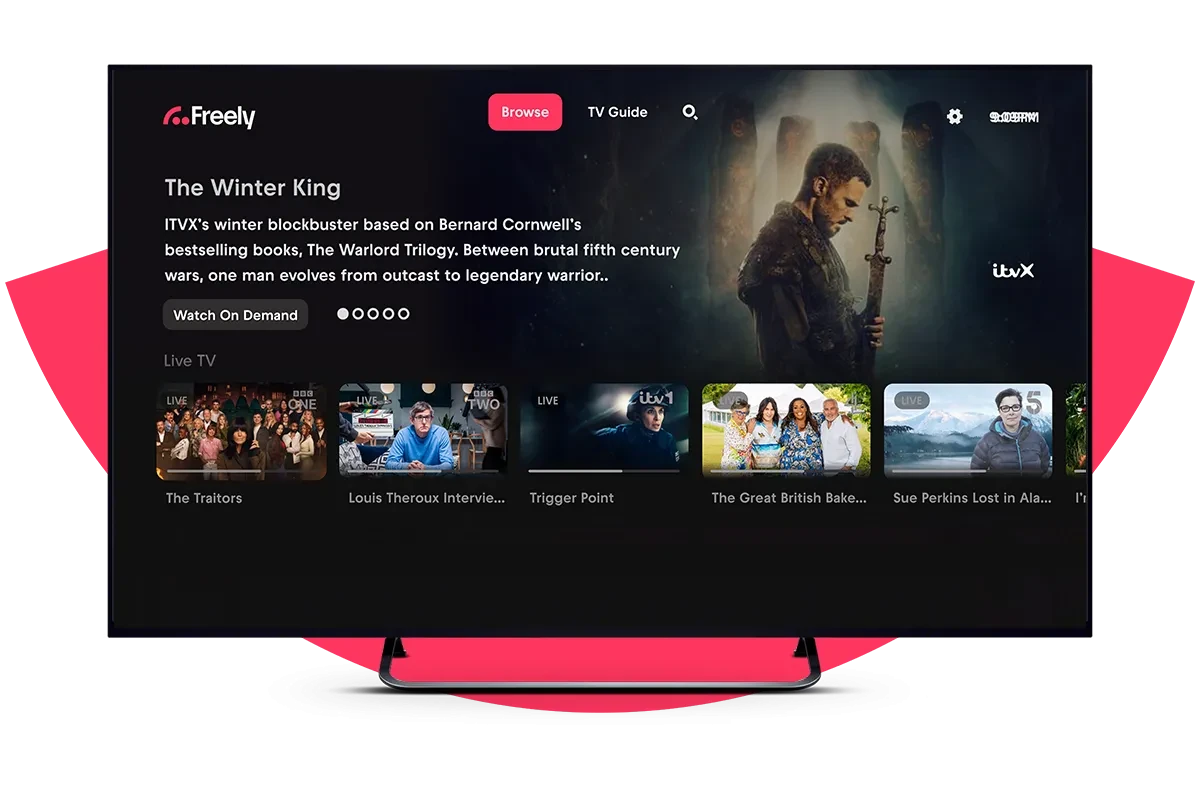
Save your favourites in My List
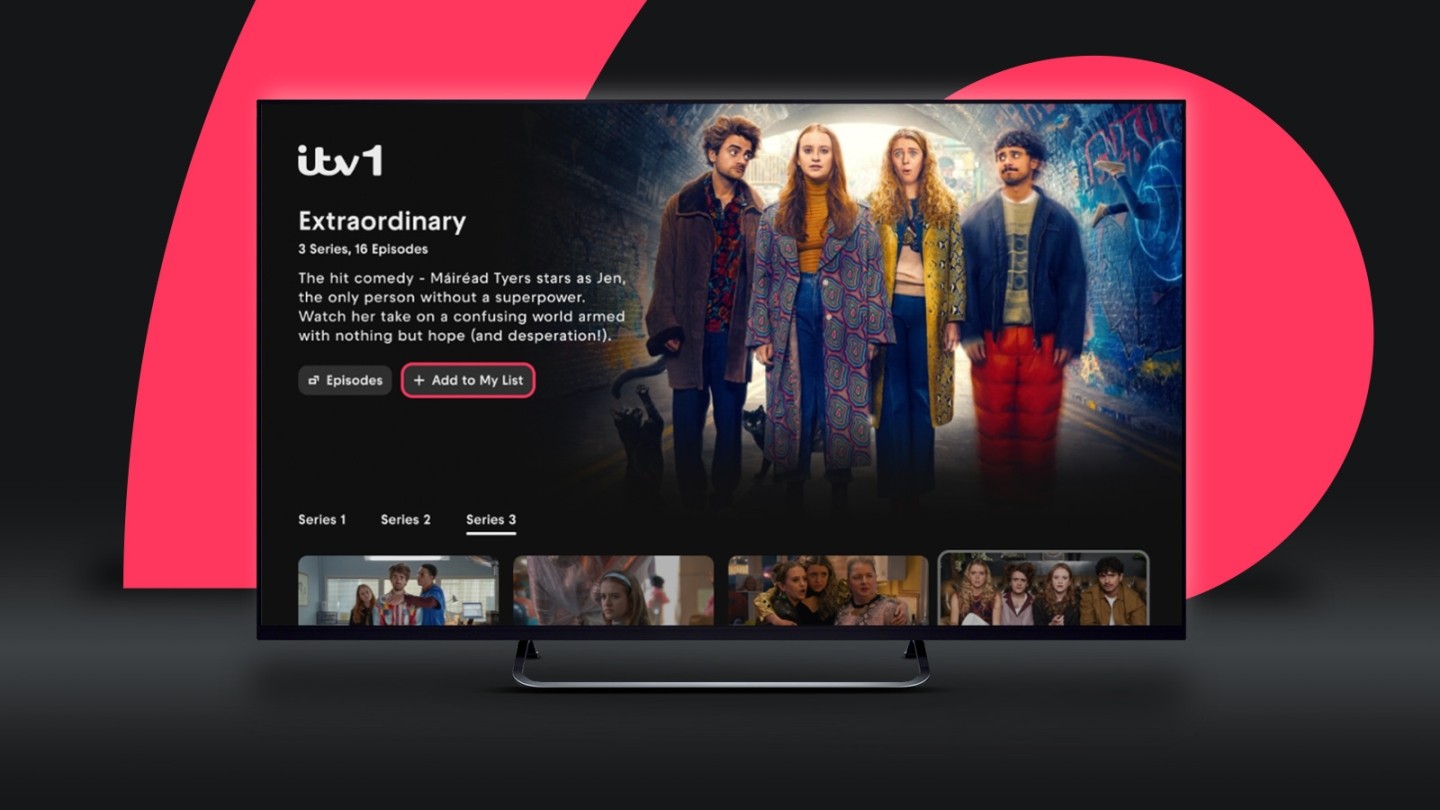
It's now eeeeven easier save your favourite shows! Spot a show on the Browse page? My List is going to be your new best friend to save it in a snap! Just select 'add to My List' to add up to 50 of your absolute must-watches. It's like your own personal TV guide, always ready when you are, right there on the Browse page. Find more info on how to save and favourite shows on Freely with our FAQ.
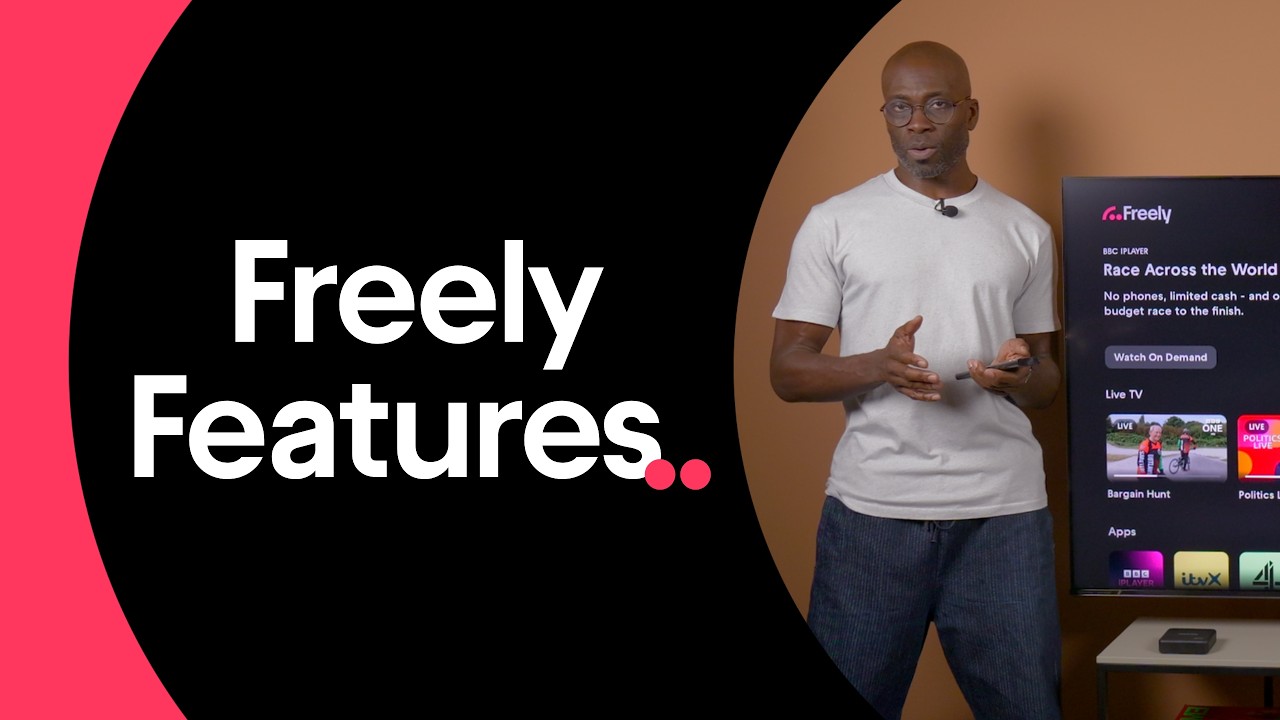
This third-party content is provided by YouTube, which may use cookies and tracking technologies. Review your cookie preferences and enable cookies to view this content.
MiniGuide
A new free TV feature, the MiniGuide pops up every time you switch channels. It keeps things simple and helps you browse and discover relevant live or on demand content quickly. Whizz from Traffic Cops on 5 to the latest episode of Doctor Who live on the BBC before diving into the archive, all in the blink of an eye.

This third-party content is provided by YouTube, which may use cookies and tracking technologies. Review your cookie preferences and enable cookies to view this content.
Pause and restart live TV
Did someone chat through the good bit (again)? Need to make a cuppa? No worries! Now you can pause live TV for up to 15 minutes and restart live TV. Freely has your back.

This third-party content is provided by YouTube, which may use cookies and tracking technologies. Review your cookie preferences and enable cookies to view this content.
Freely remote control button
Getting all of the above is as easy as pressing the Freely button on your remote. No drama. No stress. Simple.

This third-party content is provided by YouTube, which may use cookies and tracking technologies. Review your cookie preferences and enable cookies to view this content.
Never Miss
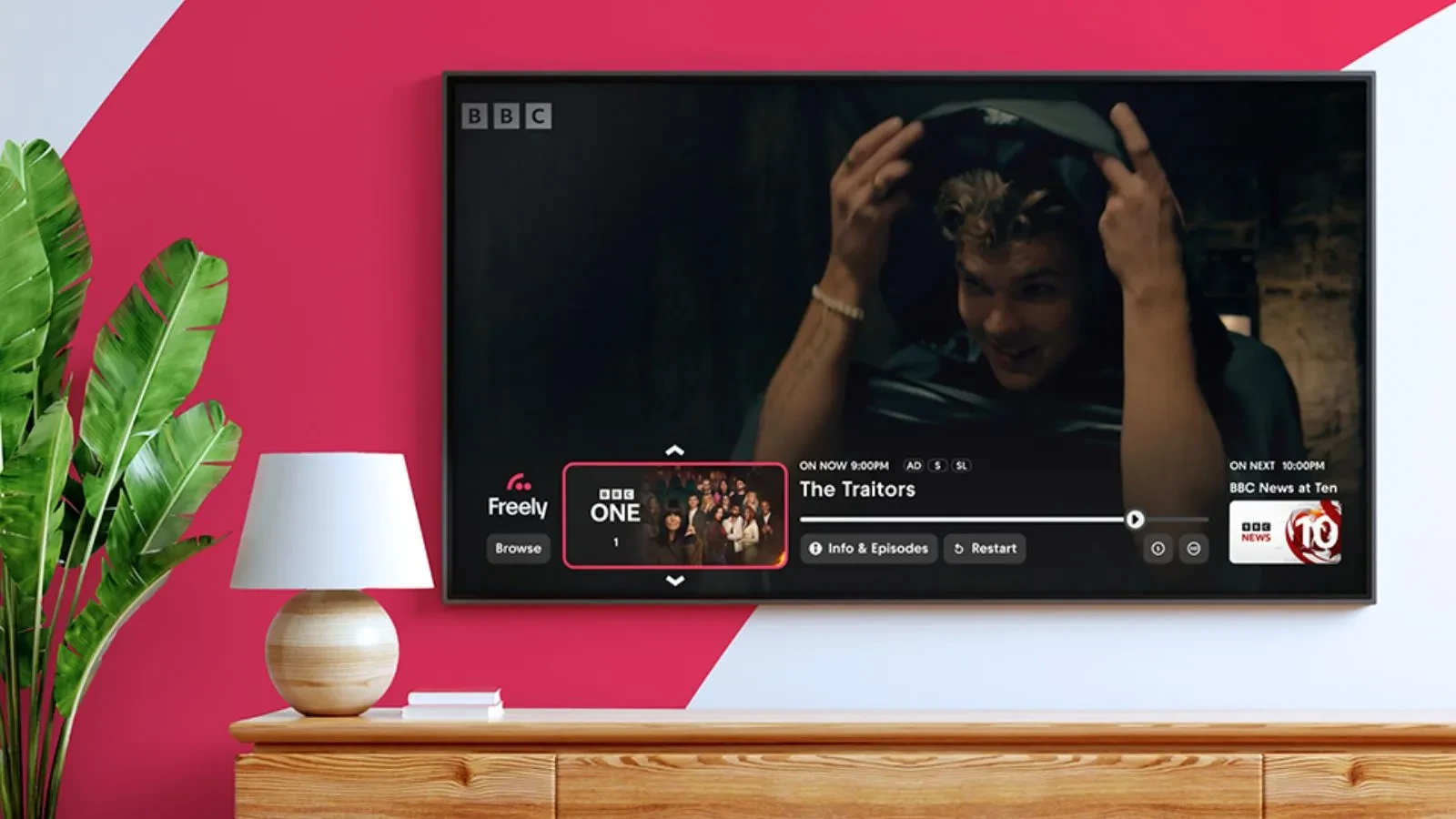
With this fantastic feature, you can see what's coming up, what's just started, and what you can watch On Demand, all on Freely!
Backwards Electronic Programme Guide
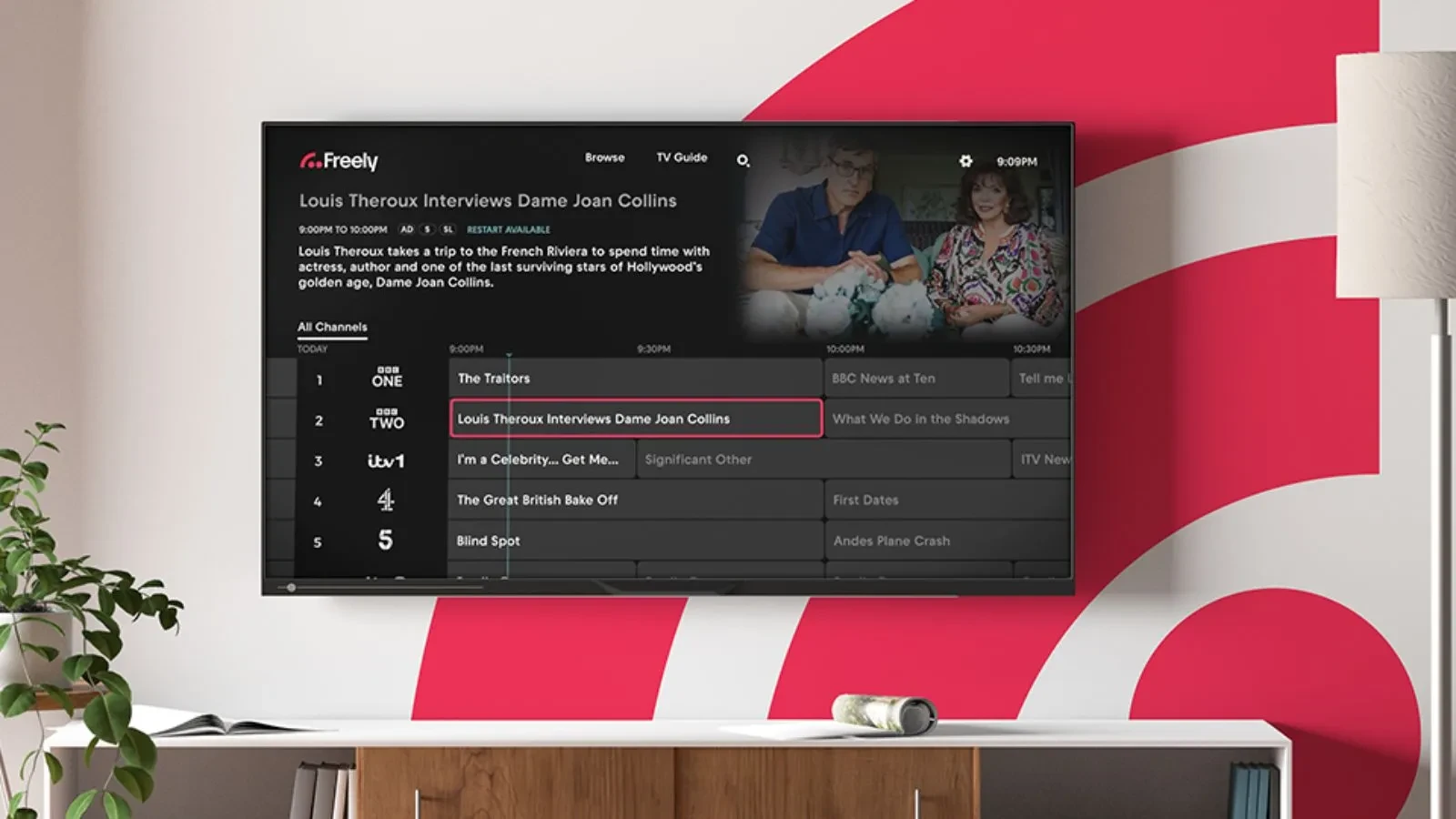
Navigate backwards through seven days of programmes with this fantastic feature, really useful for quick browsing!
Accessibility features
Everyone should be able to enjoy free TV their way. That's why Freely includes a range of accessibility features designed to make discovering, browsing and watching content easier. From a dedicated accessible TV guide to high contrast viewing and accessible programme signposting, Freely helps you find and enjoy the content that's right for you.
Changing your accessibility settings has never been so easy, with our latest 1.23 release you can now get to accessibility at the top right of the navigation screen. Find out more below!
Accessible TV guide
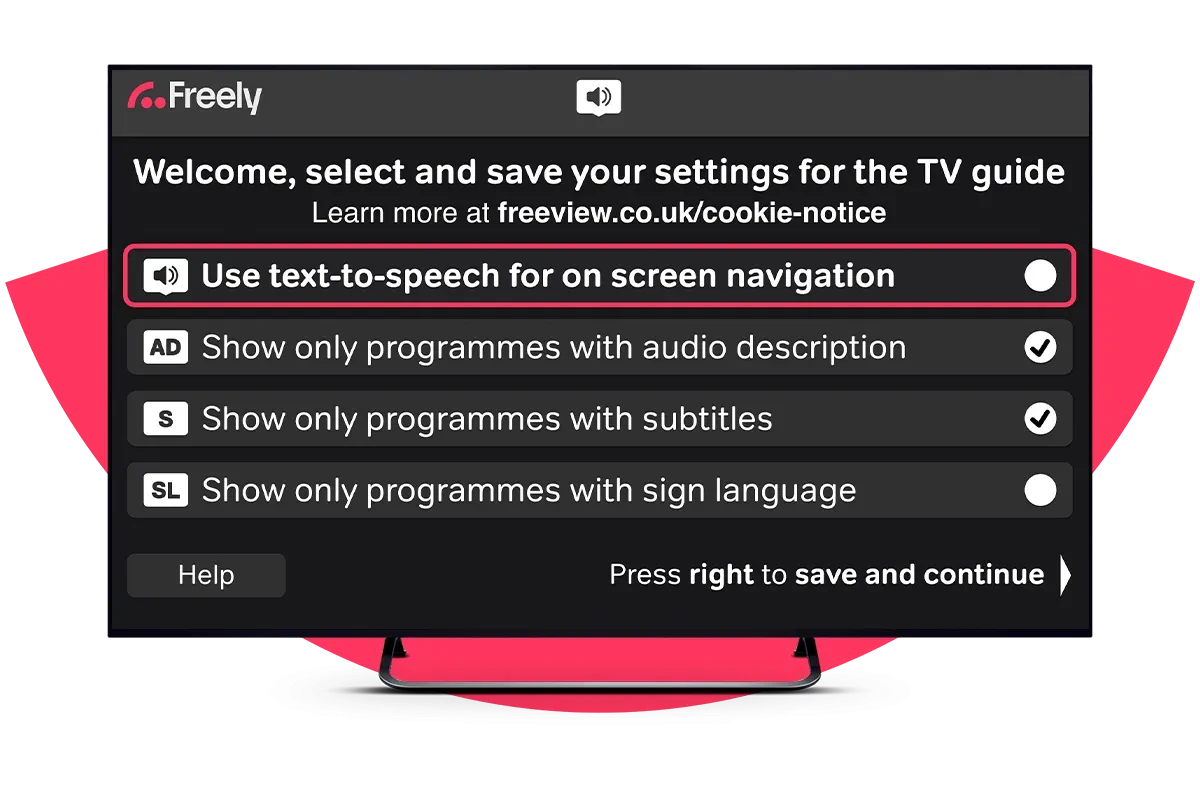
Our quest to bring free TV to everyone doesn’t stop there. Our Accessible TV guide on channel 555 makes it easier to find the live shows you love that meet your sight or hearing needs. The high contrast guide is designed to be easy to read – plus, its already magnified so everything is super clear. The TV guide also has screen reader function that reads everything out, enabling users with visual impairments to find live programmes that are right for them. Once you let us know how you’d like to watch, we’ll only show you the programmes that work for you. And don’t worry, we’ll remember, so you don’t need to tell us every time you turn on your TV!
High contrast theme
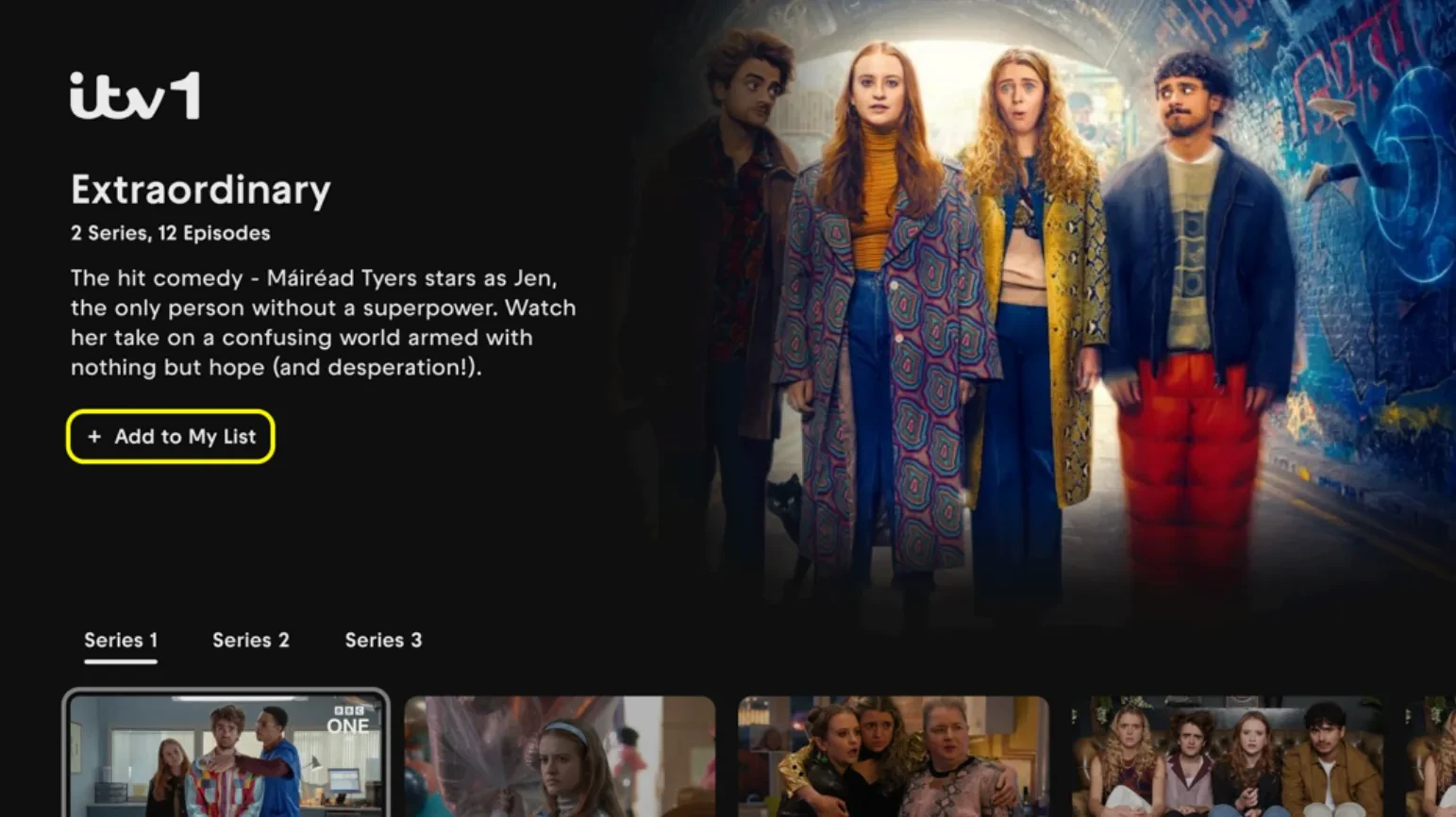
The high contrast theme makes features across Freely even easier to enjoy, especially for users with visual impairments. Featuring highlighted navigation elements and clearer tiles, this feature means that all Freely TV owners can browse and watch great content without any hassle.
Finding accessible programmes faster
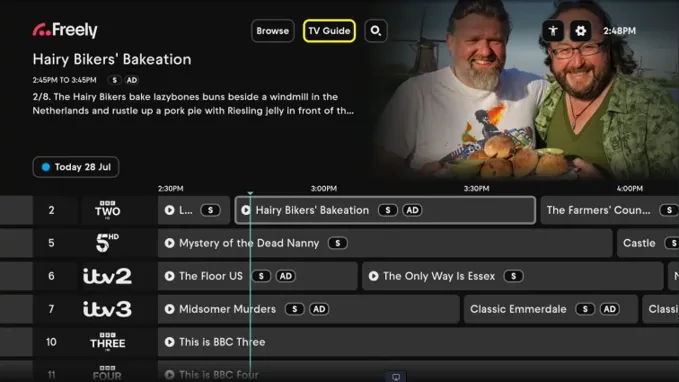
Freely now makes it even easier to discover programmes that work for you.
From Accessibility Settings, you can choose to highlight programmes in the TV Guide that include:
- S – Subtitles
- AD – Audio Description
- SL – Sign Language
Once enabled, these icons appear directly in the TV Guide, helping you quickly spot accessible content while browsing. You can turn on one, two or all three options at the same time, and Freely will remember your preferences for future viewing.
Thinking that Freely sounds like something you’d want? Find out how to get Freely.