Where to Buy Freely
Find the right Freely TV for you
From cosy corners to full feature walls, find the Freely TV to match your space.
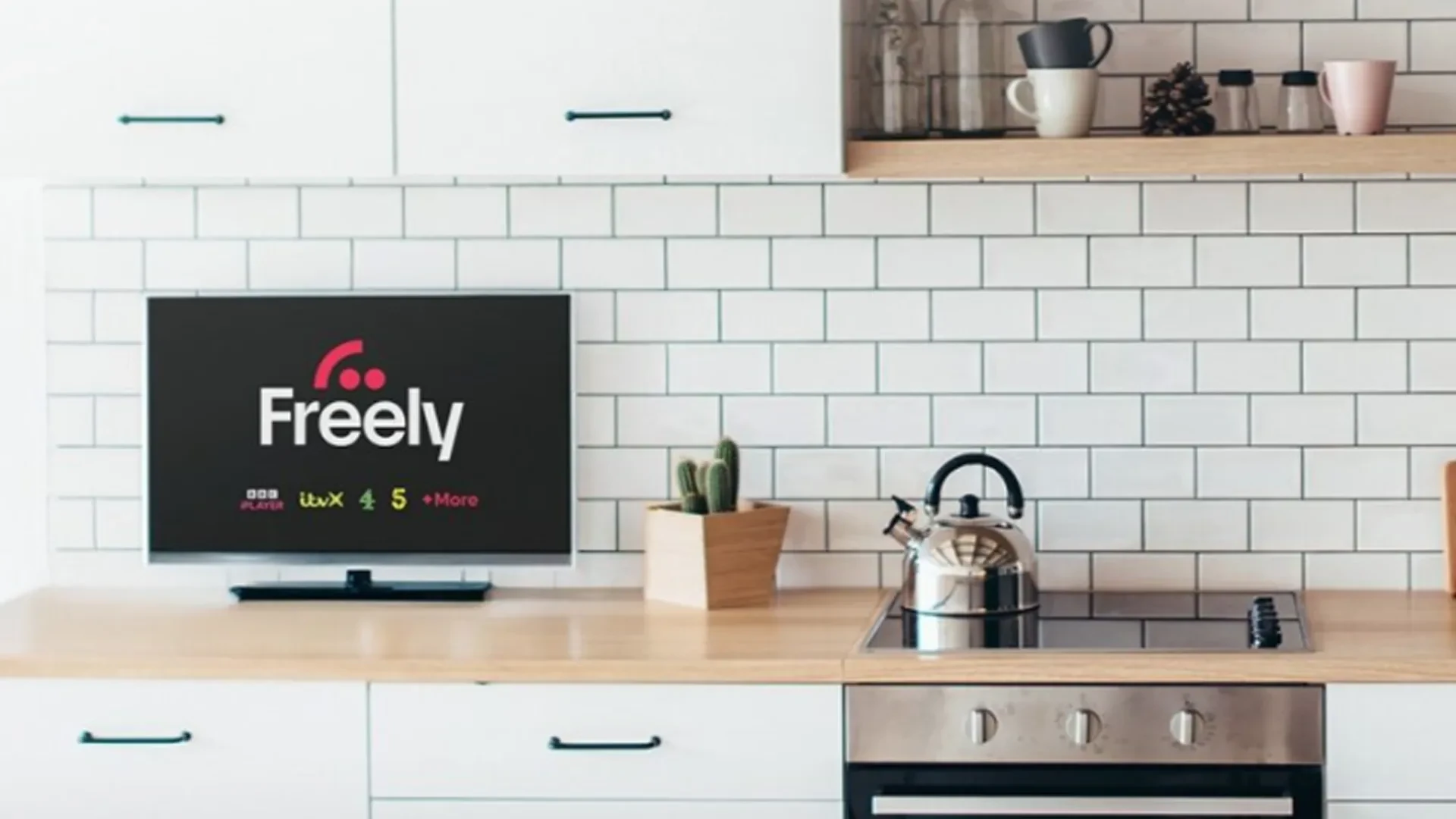
Small Screen Freely TVs
Smaller size and budget-friendly prices, perfect for second rooms.
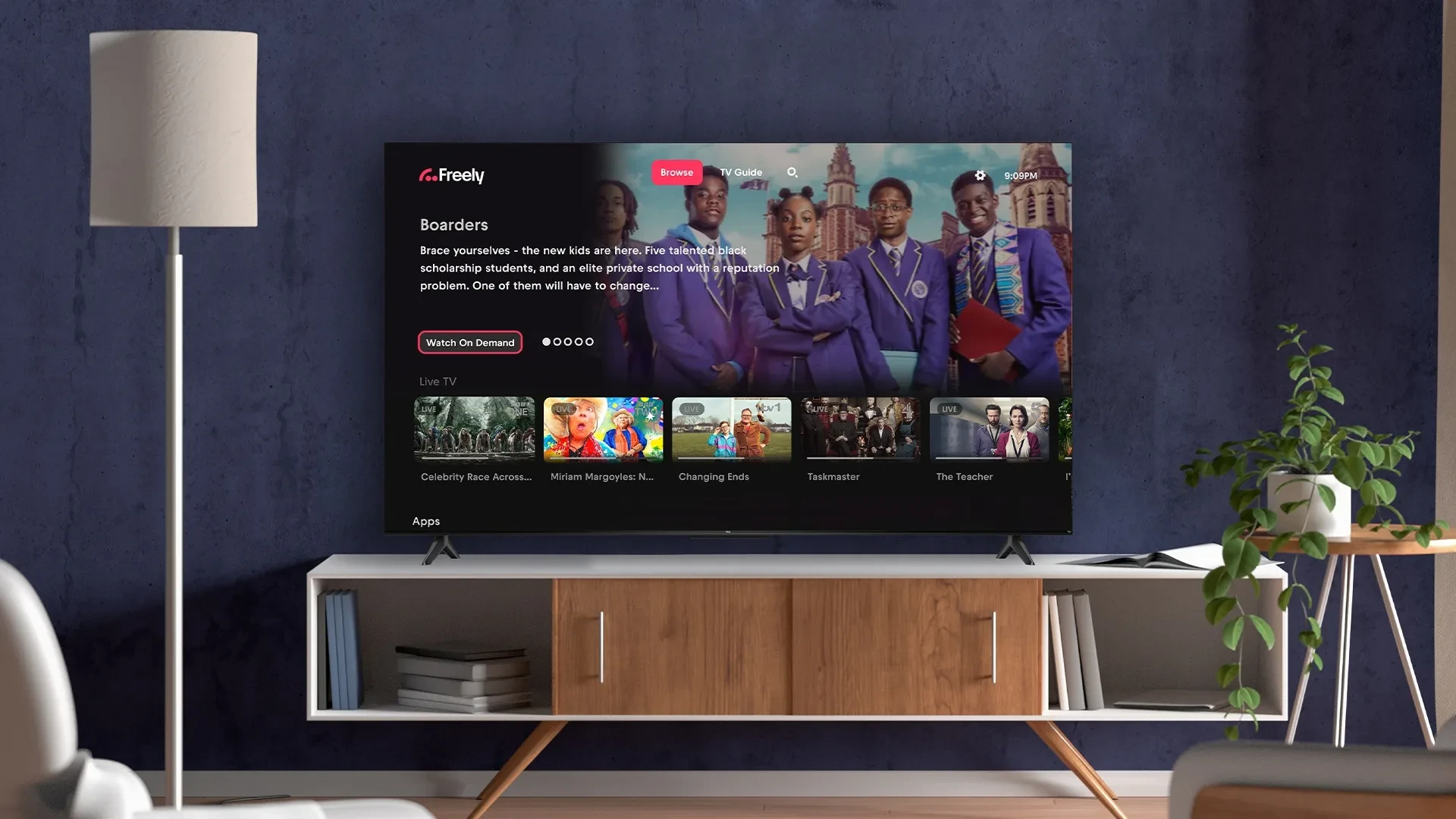
Mid-Range Freely TVs
Medium to large screens and smart features without premium pricing.
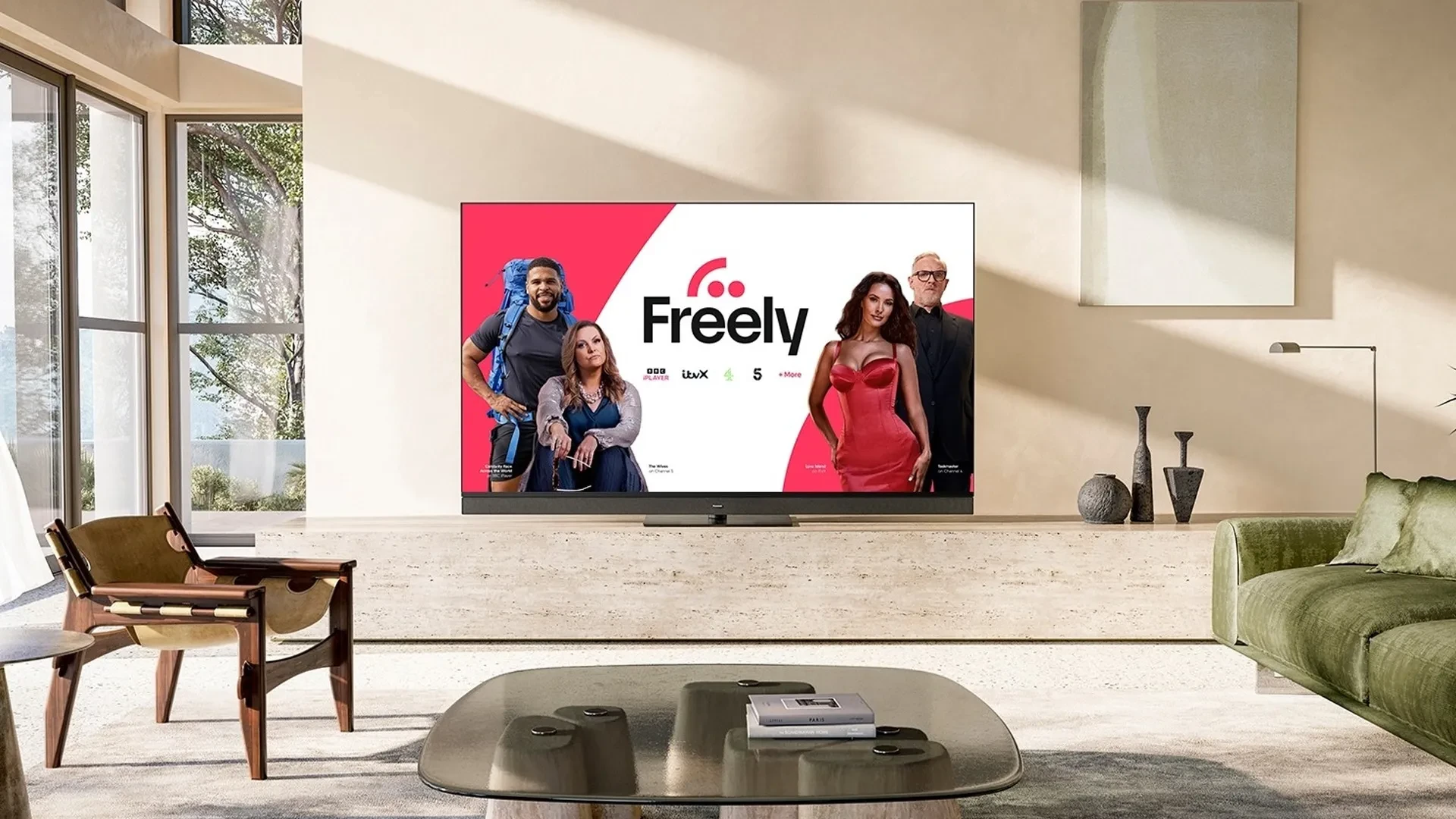
Premium Freely TVs
Cutting-edge screen tech delivering stunning visuals, worth the upgrade.
Looking for a new TV?
From compact bedroom TVs to cinematic living room screens, find a Freely TV that's right for you.


Are you looking for a specific make of TV?

Finding streaming devices...
Making your selection...
Make sure your new TV comes with Freely
The easy way to get really good TV, all in one place.
No dish or aerial, just connect to Wi-Fi to start watching live and on demand.
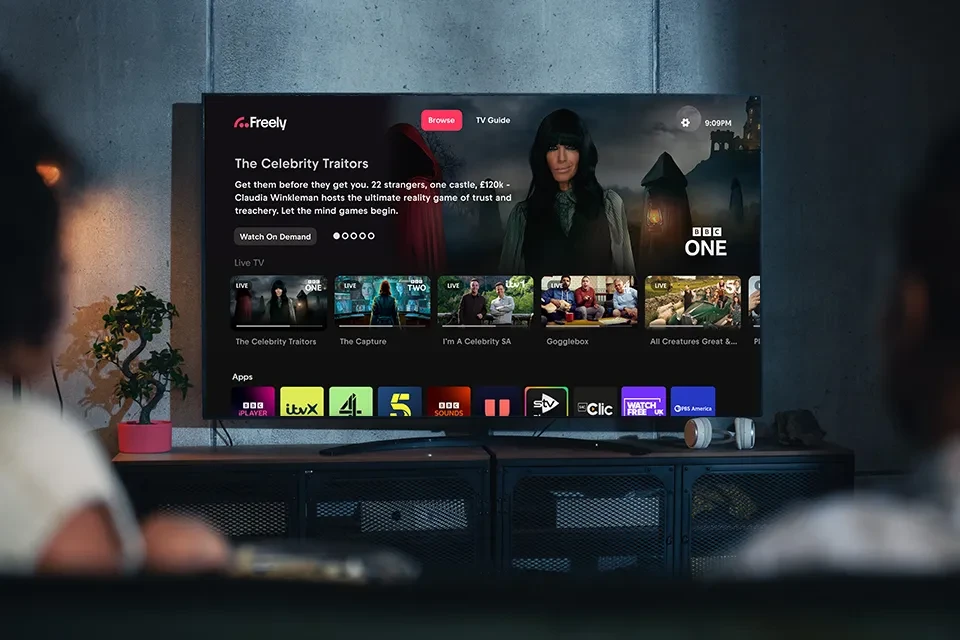
3 steps to start watching Freely!!
Freely takes the hassle out of watching TV.

Pick up a Freely device
Choose a new Freely-enabled TV or a streaming device that plugs into your existing TV.

Connect Wi-Fi
Plug in, connect to your home broadband and you're ready. No dish or aerial needed.

Press Freely and watch
To start watching it’s as simple as pressing the Freely button on your remote. No drama. No stress.
Top Freely TVs right now
Handpicked across size and budget, check out the latest offers on our product page.
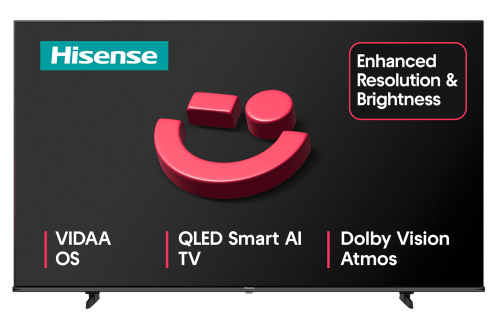
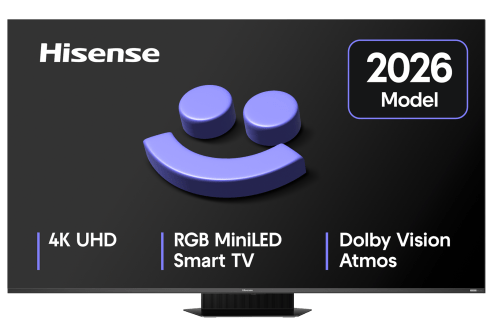
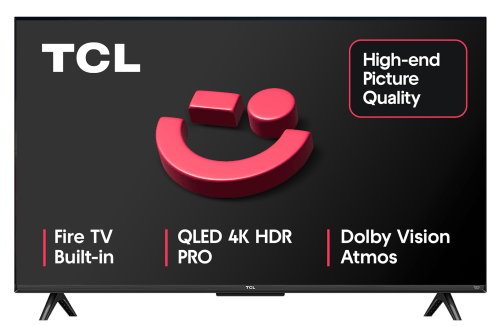
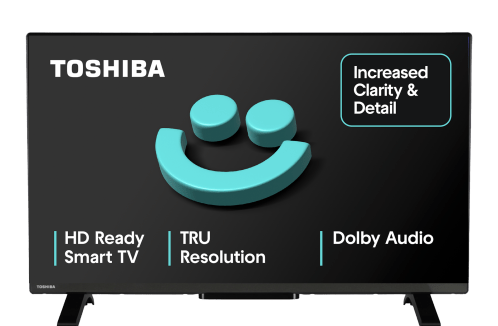
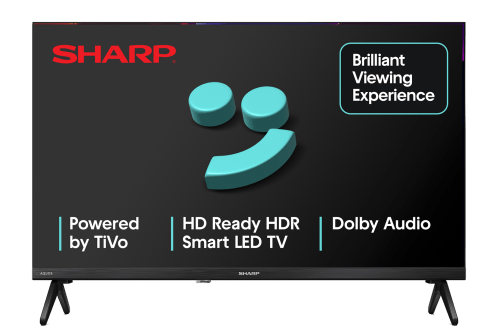
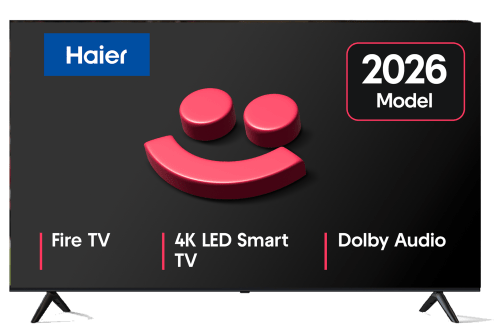
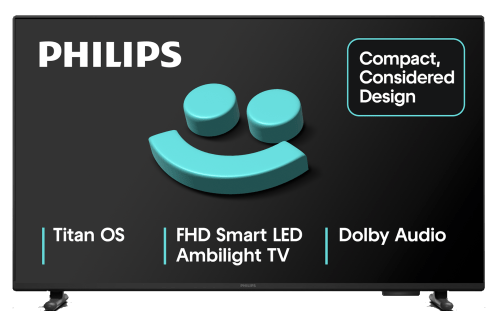
Available at your favourite retailers







Make sure your new TV comes with Freely!!
Everything you need to know about Freely
Do I need an aerial or satellite dish?
No. Freely delivers all its channels over your home broadband connection via Wi-Fi. You don't need an aerial, a satellite dish, or any additional cabling.
How is Freely different from Freeview?
Freeview relies on a traditional TV aerial signal, whereas Freely delivers live TV over your broadband connection.
That makes Freely a good option for homes without an aerial or satellite dish, or where reception is poor. It also lets you watch live TV in rooms where an aerial socket isn’t available.
Check out our full guide on the key differences between Freely and Freeview.
What broadband speed do I need for Freely?
A minimum broadband speed of 10Mbps is recommended for live streaming and on-demand content.
Can I add Freely to my existing TV?
Yes if your TV has an HDMI port, you can use a Freely streaming device to add Freely to your current TV. Simply plug it in and connect to Wi-Fi.