If you have an older television that still runs well, but can't connect to Wi-Fi, you might be wondering whether you need to replace it to access Freely and start streaming live and on-demand TV.
The good news is that there are plenty of options when it comes to watching TV with Freely. Read on to find out the different ways you can get started.
Can you get Freely on an older TV?
The answer is yes, you can get Freely on many older TVs.
While there are many new TVs that come with Freely built in — which you can explore on our televisions page — you don't need to replace your current set to get started.
Many older TVs, even those that aren't able to connect to Wi-Fi on their own, can access Freely using a dedicated Freely streaming device, which plugs straight into your TV's HDMI port. This way, you can instantly gain full access to live channels and on-demand content over your home Wi-Fi, without needing an aerial or satellite dish.
Freely on older TVs: What you need to get started
Before upgrading your older television, make sure your setup meets a few basic technical requirements. Getting started with Freely on an older TV set requires four simple things:
- An HDMI Port: Many flat-screen televisions, even older models built in the last 15 to 20 years, feature at least one standard HDMI port on the back or side.
- A Freely Streaming Device Since your older TV may not have Freely built-in, an external streaming device is needed to get started.
- A Home Broadband Connection: Freely runs over your Wi-Fi connection. It is recommended that you have a minimum broadband speed of 10Mbps to watch Freely.
- TV licence: To watch live TV in the UK, you’ll need to purchase a TV licence.
No Aerial Socket Required: The greatest advantage of upgrading an older TV to use Freely is being able to ditch your aerial or satellite dish - all you need is Wi-Fi.
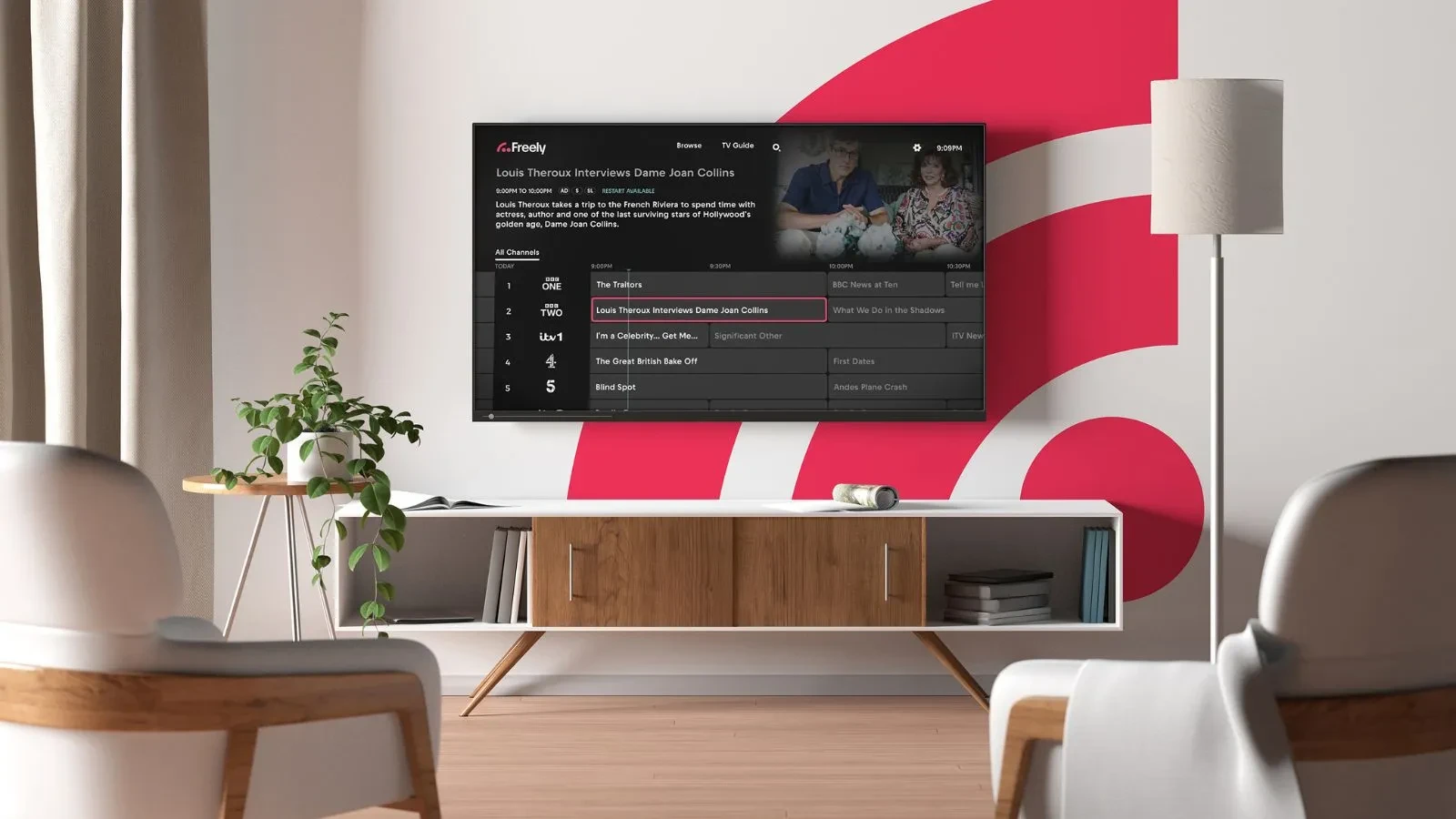
Choosing a TV with Freely built in
If you are already considering a television upgrade, choosing a new model with Freely built in is the most seamless way to transform your viewing setup.
A Freely-enabled smart TV gives you instant access to all your favourite live channels and on-demand players straight out of the box. Simply plug in your TV, connect to your home Wi-Fi network, and you're ready to watch — no aerial socket or satellite dish required.
Many leading brands now offer Freely across a huge variety of screen sizes and price points, ranging from compact kitchen displays to ultra-HD living room screens. Whether you are looking for a budget-friendly second screen or a high-spec display, buying a TV with Freely integrated ensures a clutter-free, future-proof setup. Take a look at our dedicated televisions page to explore all the latest models and find the perfect fit for your home.
Do I have Freely on my TV?
Before you dive into upgrading, it's worth checking whether your TV already has Freely built-in. Here are a few ways to find out:
- Check on your remote: Look for a dedicated Freely button directly on your remote control.
- Check your home screen: On smart TVs, press the Home button and look for the Freely logo.
Launch the TV guide: Press the Guide or EPG button on your remote control. If Freely is built-in, you’ll likely see the Freely logo in the corner of your screen.
Freely streaming devices
Freely streaming devices provide a simple, budget-friendly way to bring great TV to older displays. Connecting directly via HDMI, these little pucks and boxes give your existing television full access to live channels and your favourite shows on-demand.
Manhattan Aero 4K Box
The Manhattan Aero is a compact 4K streaming box running TiVo OS, designed to bring Freely to any TV. It combines 70+ live Freely channels with apps like Netflix, Prime Video, and Disney+, plus 400+ extra free channels via TiVo+.
Netgem PLEIO 4K Puck
The Netgem PLEIO is a versatile 4K streaming puck designed to combine live TV, streaming apps and cloud gaming into a single device. Alongside full Freely integration for free live TV and catch-up over Wi-Fi, it offers over 150 extra streaming channels and access to 1,000+ apps via the Google Play Store.
Internet Speed & Network Stability Requirements
Because an older TV relying on an external streaming box streams all broadcast video over your network, maintaining a stable internet connection is essential for preventing buffering or picture degradation:
- Minimum Speed (HD Streaming): A continuous download speed of 10Mbps is recommended for reliable High-Definition streaming across live channels.
- 4K UHD Bandwidth: If your older set is a 4K TV and you want to stream 4K Ultra HD content, a minimum broadband download speed of 40Mbps is recommended for smooth playback.
Frequently Asked Questions
Do I need a TV aerial installed to use Freely on an older TV?
No. Freely delivers live TV entirely over Wi-Fi. You do not need an aerial plug, rooftop antenna, or satellite dish connected to your TV or set-top box. However, if you use a TV with Freely built-in, you can also connect an aerial to receive additional channels if you want to.
Do I still need a TV Licence?
Yes. In the UK, a TV licence is legally required to watch or record live television on any channel or service, as well as to use BBC iPlayer, regardless of whether you stream via Wi-Fi or watch via an aerial.
Do I need to create an account to watch Freely?
Freely itself does not require a user account to browse the guide or watch live channels. However, when you use some UK broadcaster apps via Freely (such as BBC iPlayer, ITVX, and Channel 4) you will be prompted to log into their respective free accounts the first time you launch them.